Elevate Your Hytale Cartography
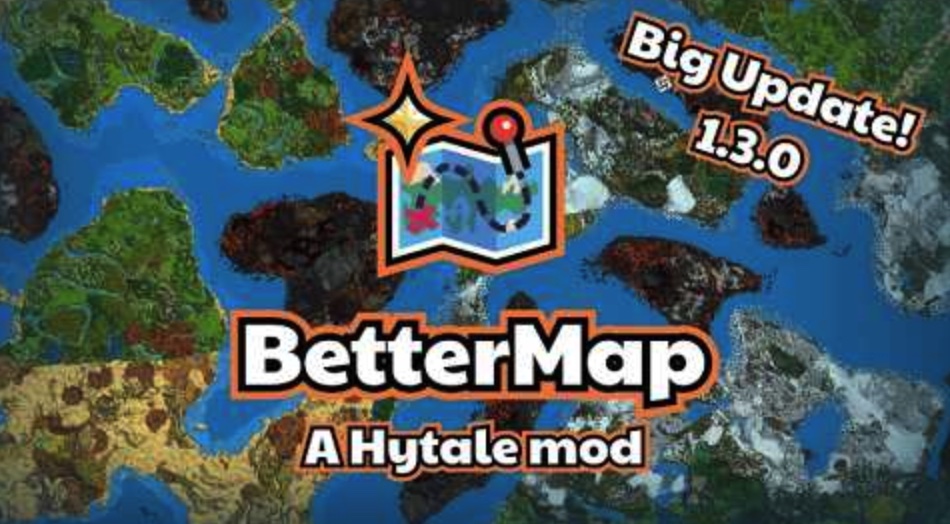
BetterMap is the definitive mapping solution for Hytale servers, transforming the fleeting default navigation into a robust, persistent, and feature-rich cartography tool. Whether you are a solo explorer or running a bustling server, this plugin ensures you never lose your way again.
The Concept
In vanilla Hytale, the world map is ephemeral. It reveals only your immediate surroundings and forgets where you’ve been the moment you wander away. This “fog of war” constantly resets, making long-term exploration difficult.
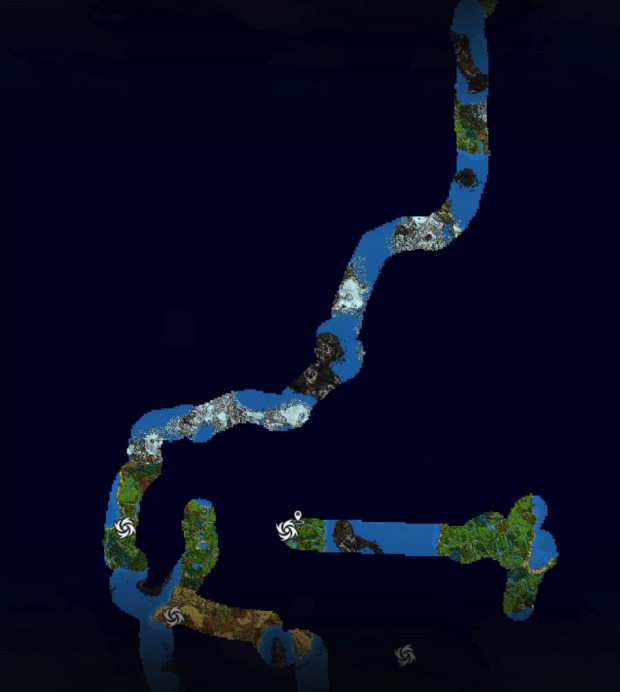
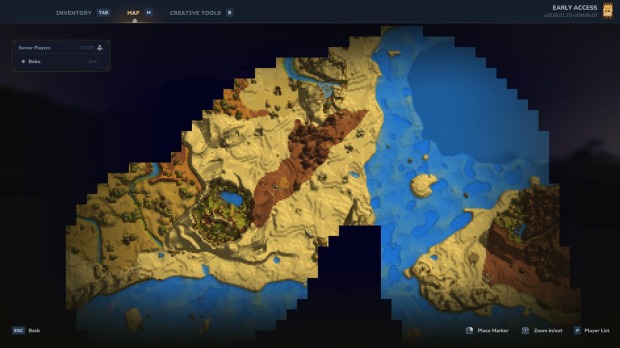
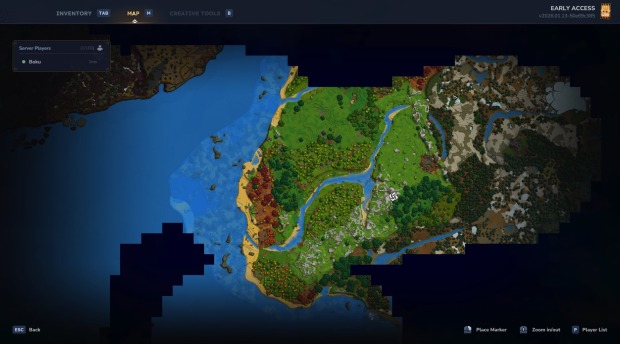
BetterMap revolutionizes this mechanic. It introduces a Persistent Exploration System. Every step you take is recorded and saved. The fog of war is permanently lifted in visited areas, allowing you to build a comprehensive, ever-expanding atlas of your world.
Core Capabilities
1. Persistent World Mapping
Say goodbye to lost progress. The plugin automatically saves your exploration data, ensuring that your unveiled map remains visible across different play sessions and survives server restarts.
2. Intelligent Cave Mode
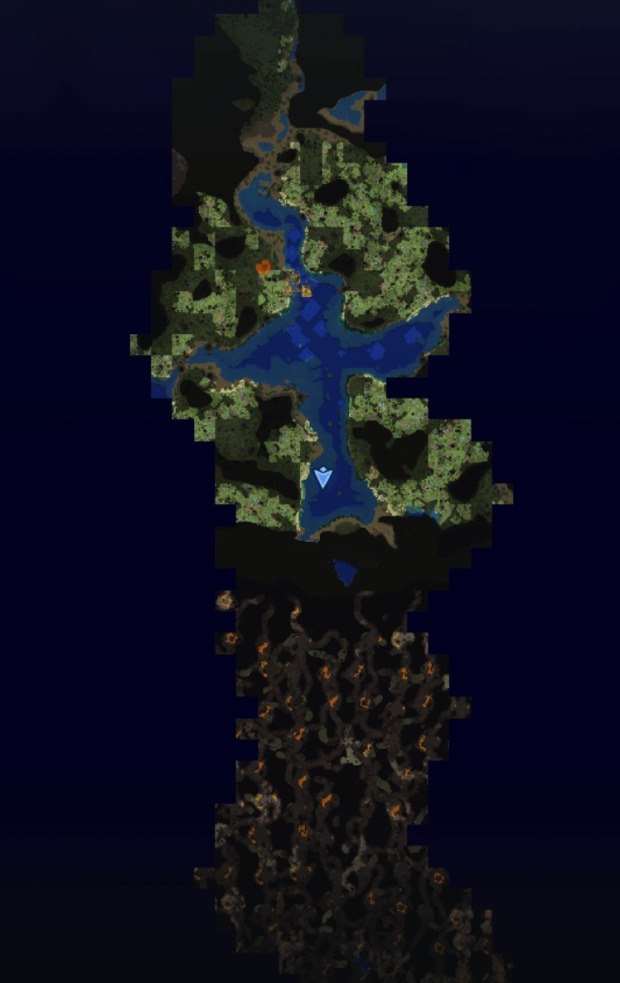
Delve deep without flying blind. When you descend past a specific threshold, the map seamlessly transitions to render underground chunks.
- Surface Awareness: Option to keep surface data visible while mining.
- Cavern Fog: Toggle a dedicated “Fog of War” specific to underground layers for a hardcore spelunking experience.
3. Advanced Waypoint Management
Navigate with precision using a revamped marker system.
- Context Menu: Right-click the map to edit or delete points of interest.
- Quick “Here” Marker: Instantly mark your current location via the user-friendly UI.
- Teleportation: Players with the correct permissions can warp directly to markers or specific map coordinates with a simple click.
4. Collaborative Mapping
Foster community cooperation with the Linked Exploration feature. When enabled, all players contribute to a single, global map. Watch in real-time as your friends discover new lands, filling in the blank spaces for everyone on the server.
5. Tactical Radar
Keep track of your allies (and rivals). The integrated compass radar displays nearby players. Server admins have full control over the detection range and can toggle this feature for game balance.
6. Enhanced HUD & Visualization
- World Borders: Visual indicators on the map show the server’s boundaries.
- Position Display: A clean, on-screen coordinate overlay (compatible with MultipleHUD).
- Map Anchors: Shortcut buttons built directly into the map interface for instant access to settings and waypoints.
- In-Game Config: Type
/bmto access a comprehensive settings menu without needing to memorize complex console commands.
7. Multi-World Stability
Designed for complex servers, BetterMap supports whitelist logic. It automatically tracks worlds upon entry and handles non-standard world names, ensuring compatibility with various hosting environments.
Optimization & Performance
Mapping preserves memory, not consumes it. BetterMap utilizes Dynamic Chunk Loading, an intelligent system that renders only the explored areas nearest to the player while unloading distant data to maintain high frame rates.
Quality Presets allow admins to balance visual detail against server load:
- HIGH (Maximum Detail): Loads up to 8,000 chunks at full 32×32 resolution. Ideal for high-end servers.
- MEDIUM (Balanced): Loads up to 25,000 chunks at 16×16 resolution. The recommended standard.
- LOW (Performance): Loads up to 80,000 chunks at 8×8 resolution. Best for massive viewing distances on lower-end hardware.
Note: You can manually override chunk limits via the config if necessary.
Command Suite & Permissions
The plugin features a dual-layer control system: an intuitive GUI for general users and robust permissions for administrators.
General User Commands
/bmor/bettermap– Opens the main configuration dashboard./wpor/waypoint– Launches the Waypoint Manager./bm min [value]– Adjusts your personal minimum map zoom (Default: 32)./bm max [value]– Adjusts your personal maximum map zoom (Default: 256).
Administrator Privileges
Admins can grant permissions individually or by group. Use bettermap.admin for full access.
Teleportation Controls
bettermap.command.teleport– Unlocks click-to-teleport functionality on the map.
Privacy & Visibility Overrides
Bypass global rendering restrictions with these specific nodes:
bettermap.command.override.players(See hidden players)bettermap.command.override.warps(See hidden warps)bettermap.command.override.poi(See hidden Points of Interest)bettermap.command.override.spawn(See hidden spawn points)- …and more for deaths, unexplored areas, and waypoints.
Server Configuration Commands
Requires bettermap.command.config
/bm config shareallexploration– Toggle the shared global map./bm config radar [range]– Set radar distance (-1 for infinite)./bm config hideplayers– Toggle player visibility on the map./bm config worldborder– Enable/Disable visual borders./bm config track– Force the plugin to track the current world./bm reload– Instantly applies changes made to the configuration file.
Installation & Data
File Structure
All relevant files are stored in your server’s mods/bettermap/ directory.
Configuration (config.json)
Admins can fine-tune the experience by editing the JSON file directly. Key variables include:
"mapQuality": Set texture resolution."shareAllExploration": Enable/Disable cooperative mapping."autoSaveInterval": Frequency of data saves (in minutes)."caveModeEnabled": Toggle underground mapping features.
Saves
Exploration data is stored separately for each world in mods/bettermap/data/.
Note: Changes to map quality or maximum loaded chunks require a full server restart to take effect.